Register your child
You register your child with a team on your phone. You do not need an account first: Sideline makes one for you at the end.
Before you start
You need the registration link from your club. You also need:
- Your child's date of birth and your address.
- A clear head-and-shoulders photo of your child, like a passport photo, as a JPEG or PNG file. A photo taken on a phone is fine.
- Proof of your child's age, such as their birth certificate or passport, for their first registration with the club. A JPEG, PNG or PDF file works.
- Your child's own email address, if they are 16 or over.
- The name and phone number of a second contact.
Register your child
Open the registration link from your club. On the You screen, enter your own name, email address and phone number. If you would like to help at the club, tick the box. Select Continue.
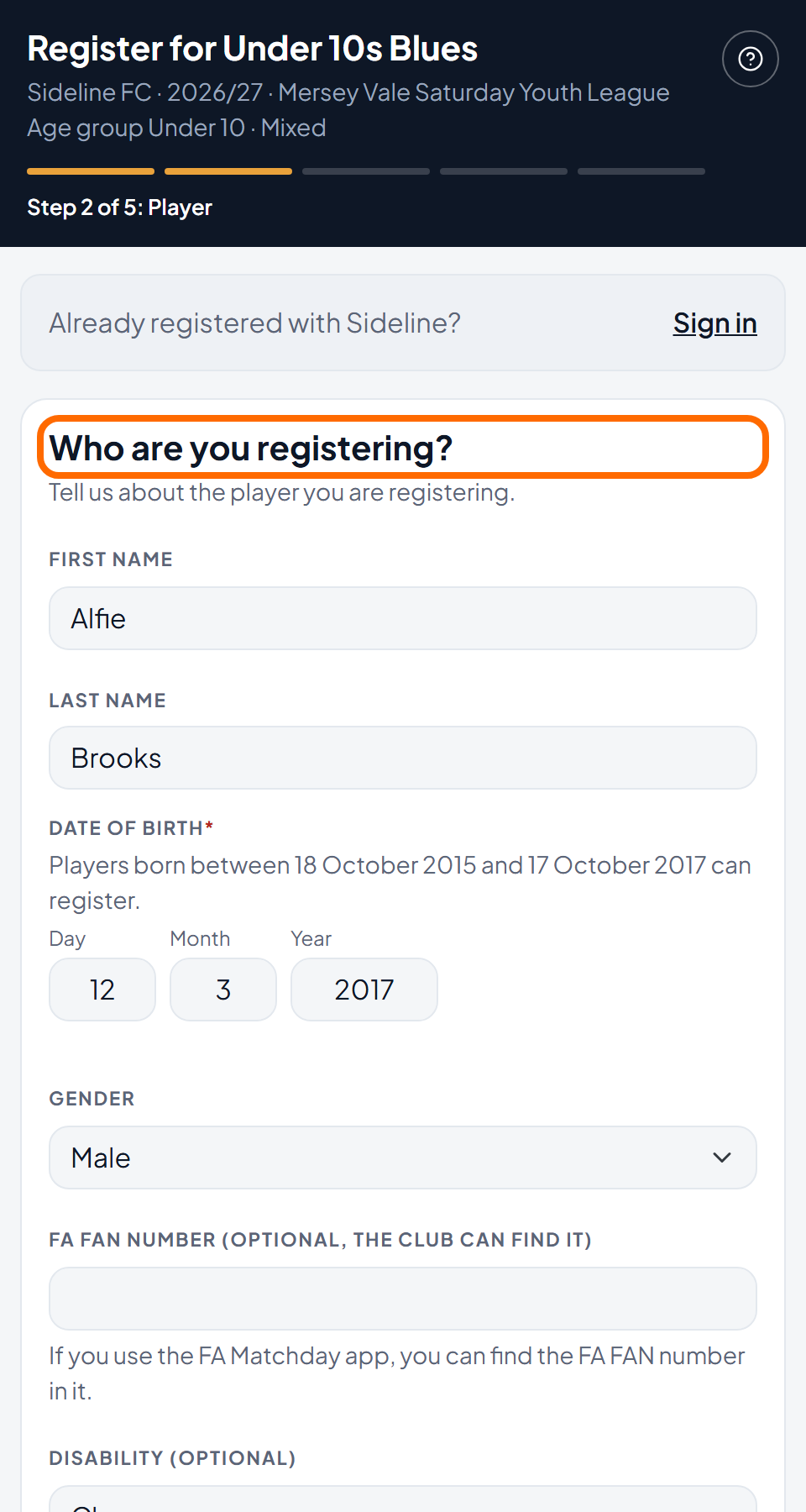
On the Player screen, enter your child's name, date of birth and gender, and your address. Select Continue.
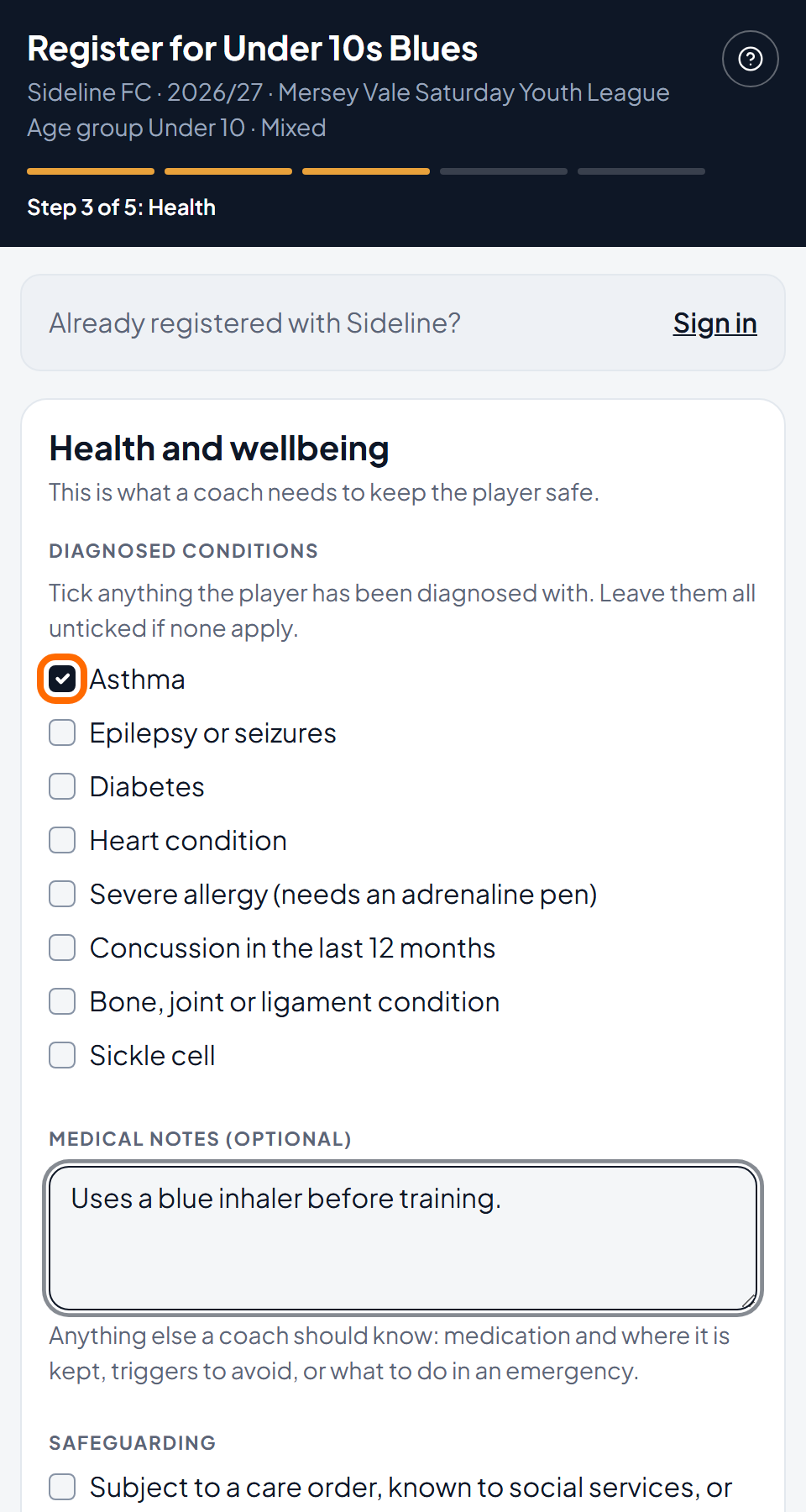
On the Health screen, tick each condition your child has been diagnosed with. Write anything else a coach should know. Select Continue.
On the Contacts screen, enter a second contact and say what they are to your child. If you are signed in, you can choose someone you already gave us instead of typing them. To add someone else who may collect your child, select Add someone who may collect. Select Continue.
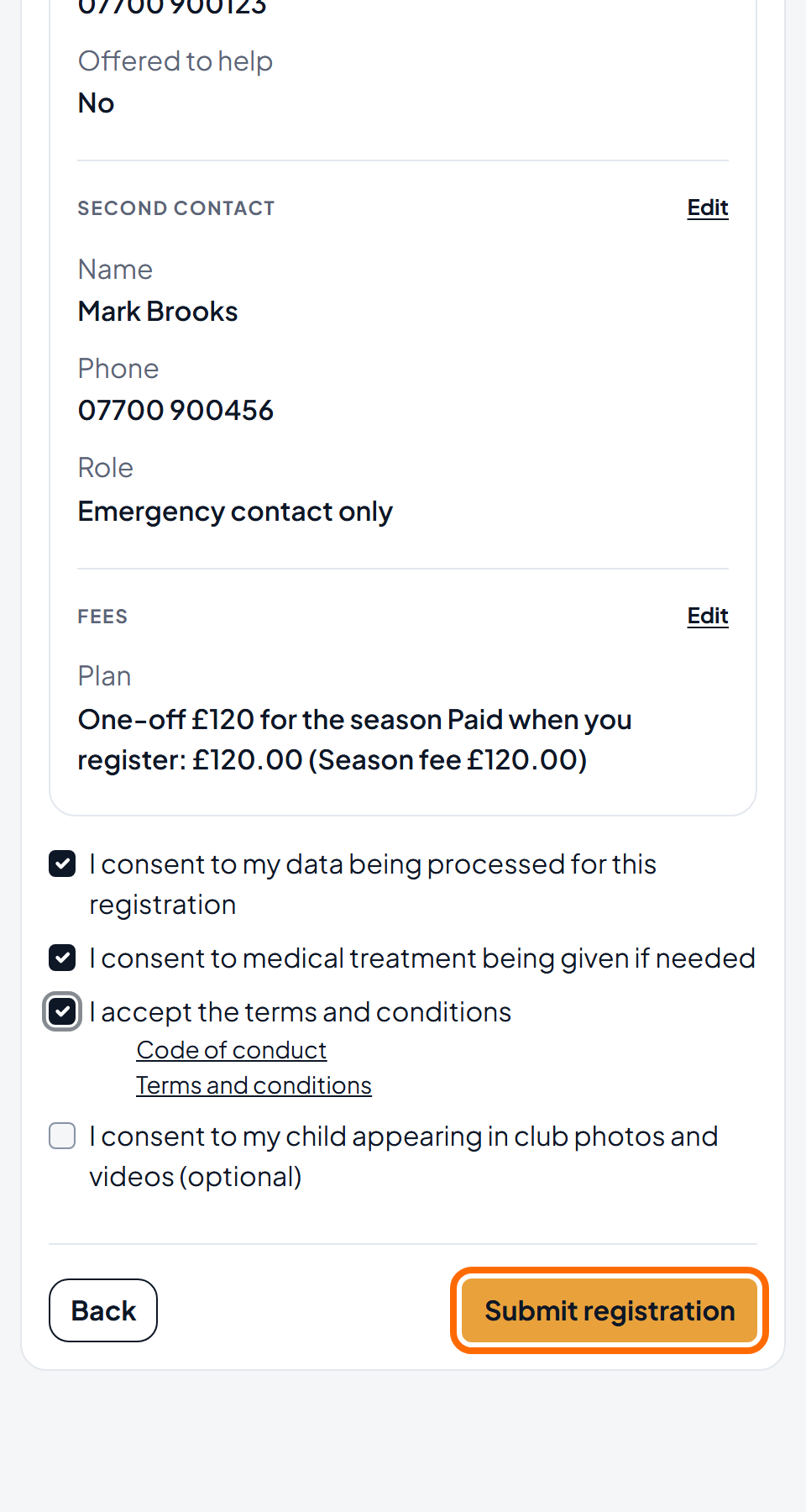
On the Review screen, check your answers and read the fees. The fees are for you to read: you do not choose a plan here. Tick the consents the club asks for. Select Submit registration. If you are signed in and a payment is due now, the button says Finish and pay and the amount.
Finish your account. Skip this step if you were signed in when you started.
- Open the email from Sideline and select the link in it. The link works for 3 days.
- Choose a password. There is one password box, and a Show button if you want to check what you typed.
- Add your child's photo and proof of identity.
- Select Finish and pay (or Finish registering if nothing is due now). Sideline makes your account and signs you in.
Pay on the payment screen. Sideline takes you there at once. If nothing is due yet, you go straight to the next screen.
The screen Registration submitted shows your child's team and season. The club checks the registration next. You get an email when the club has decided.
If you leave the payment screen, your registration is saved. Nothing is lost. The Finish paying page opens: you can pay now, pay by bank transfer if the club gives its bank details, or select I can't pay right now and tell the club's treasurer in a few words. The treasurer gets in touch. Your coach does not see it.
If you do not pay at once, the club keeps your child's place for a few days. The club cannot confirm the registration until the first payment is made or the Direct Debit is set up. Sideline emails you a reminder with a Finish paying button, and your family page shows a Finish paying button.
Common questions
What if I already have a Sideline account?
Select Sign in at the top of the first screen. You come back to the same page after you sign in. On the Player screen you can pick your child from a list, so you type less. You do not need to finish your account by email.
What if I close the page before I finish?
If you are not signed in, Sideline sends your answers to the club only after you follow the link in the email and select Finish registering. It keeps them for 3 days. If you close the page before you select Submit registration, open the registration link again and start again. If you close it after that, open the email and select the link. If you cannot find the email, look in your spam folder.
Why does Sideline ask for a second contact?
The club calls them if it cannot reach you. If you choose Parent or guardian, Sideline emails them an invitation to set up their own account. They get the same access as you, including your child's medical details. If you choose Emergency contact only, they see nothing online.
Who sees my child's health answers?
Your child's coaches use the health answers to keep your child safe. Only the club's welfare officers see the safeguarding answer.
What do I pay when I register?
The Review screen shows each payment with its date before you submit: what you pay today (or "Nothing to pay"), the date and amount of the first Direct Debit, the regular payments up to the last month, and the total for the season. You never pay for months after the season ends.
What you pay today can include:
- The club's registration fee, if it has one. You pay it on top of the plan the club has set for the team.
- The rest of this month, at a daily rate, if the club charges for it at registration. Some clubs add it to the first Direct Debit instead. A player who played at the club last season does not pay for the rest of the month.
- Next month, if the plan is monthly and there are fewer than 5 working days before the 1st. A new Direct Debit needs 5 working days before the bank can take the first payment. Weekends and bank holidays do not count.
The Direct Debit then takes each monthly payment on the 1st. If there is something to pay today, you choose how to pay on the payment screen.
Can I register more than one child?
Yes. You register one child at a time. If you are signed in, you can register brothers and sisters one after the other: after you submit, select Register for another team?, or open the registration link again and select Register someone new. Sideline fills in your address and second contact from the child you already registered, and you can change them. If you are not signed in, open the registration link again for each child.